|
|
QST: The Self-Hosted, Open Source Universal Assessment Platform
|  |
From a quick quiz on your phone to very large scale, high stakes, proctored desktop testing, QST provides it.
| |
Why Choose QST for Your Assessments?
QST is a complete, open source, self-hosted assessment platform built from the ground up to give you multi-tenancy, security, scalability, and flexibility — without sacrificing ease of use or advanced functionality.
Open Source Assessment Platform Features Included
- Truly Open Source & Vendor Neutral — Under GPLv2 only, QST is free to use, change and rebrand, with no licensing restrictions or hidden fees.
- Scales on Modest Hardware — QST runs on Windows, Linux, or macOS (laptop, desktop, server, or cloud) and supports thousands of simultaneous (not concurrent) users through multi-threaded mod_perl architecture — no need for complex infrastructure or heavy cloud hosting.
- Quick installation — Go from Download to your first multi-tenant assessment in 30 minutes. Only One file to Update - QST.pm. Deploy with Docker also. A user was kind enough to create a Docker container on GitHub .
- Enterprise-grade multi-tenant architecture — One server. Unlimited organizations/classes/users.
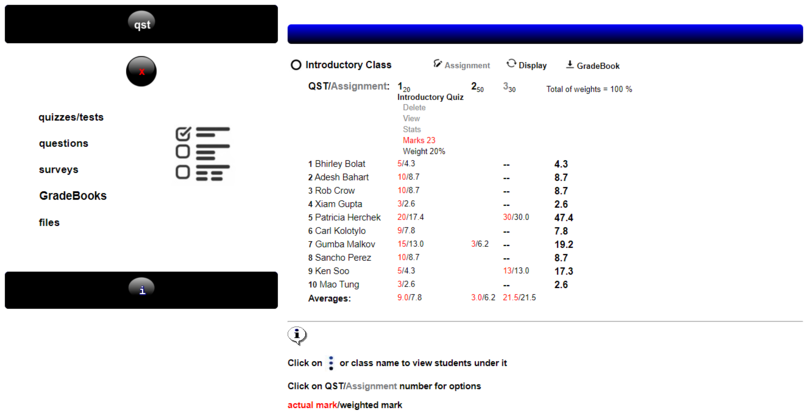
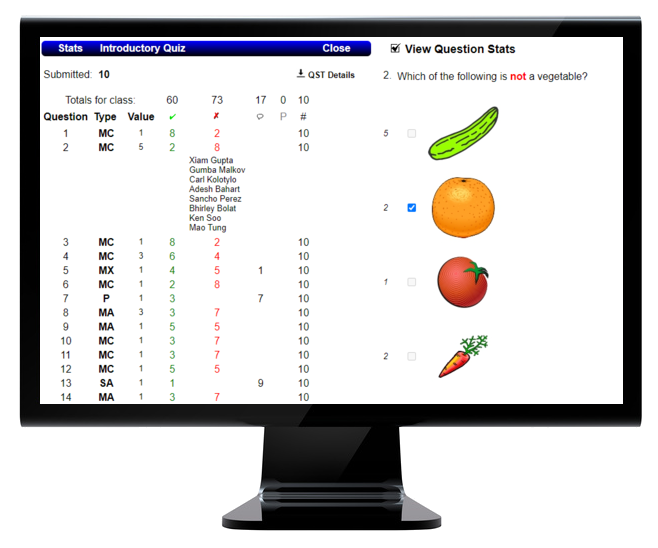
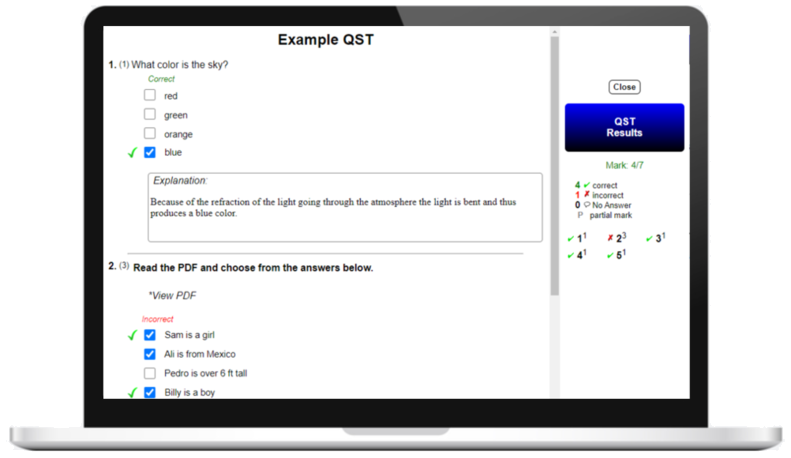
- Full Assessment Lifecycle — Built-in GradeBook & Analytics — Auto-marking for objective items, manual grading for essays/short answers, immediate statistical analysis of results, per-question performance breakdowns, exportable QST details and exportable GradeBook (CSV/JSON) for deeper analysis or import into other systems.
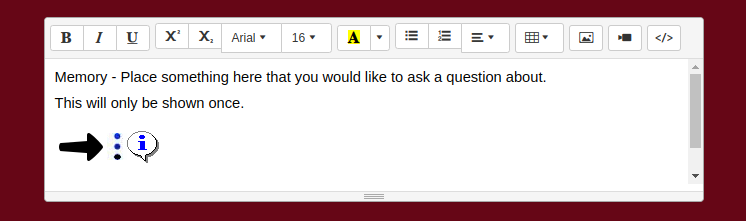
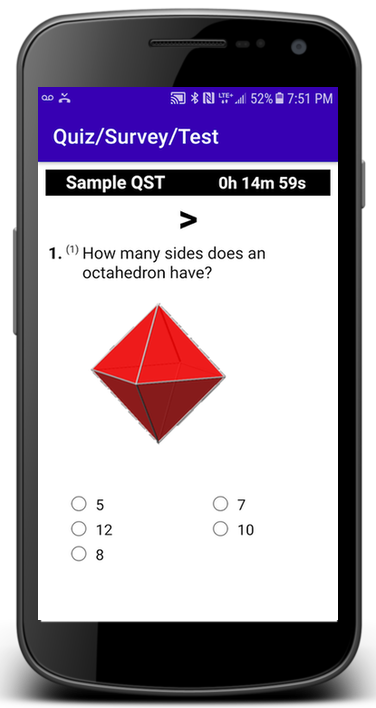
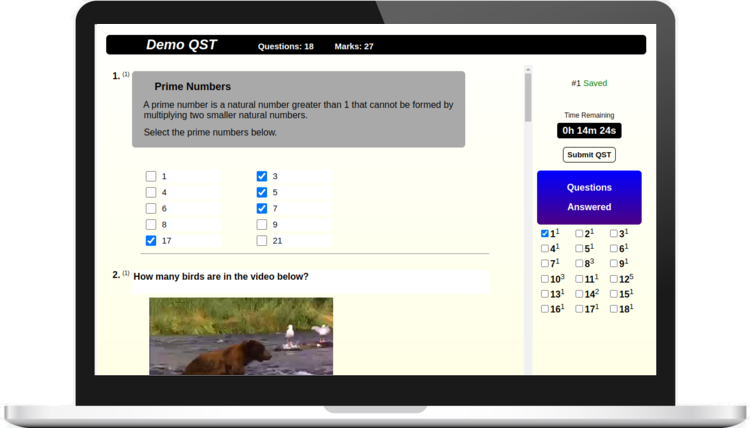
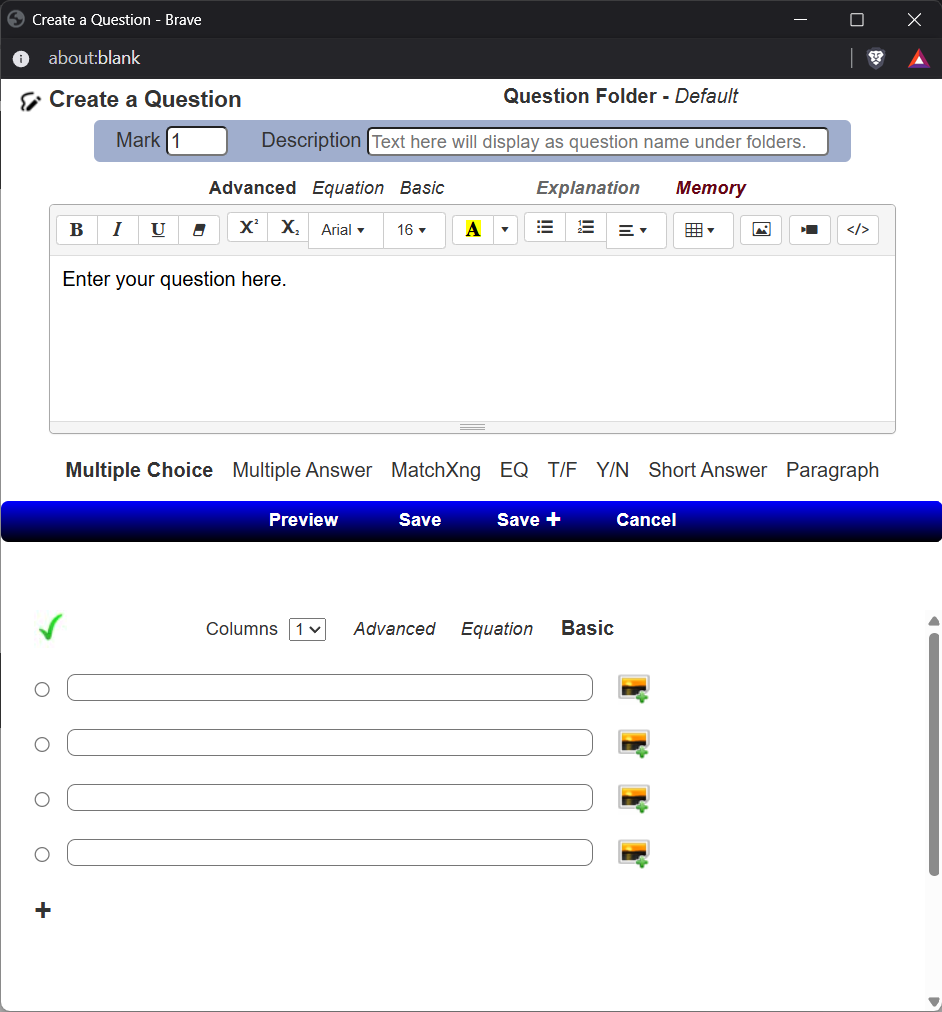
- Rich, Flexible Question & Delivery Options — Supports multiple delivery options, multiple question types (MCQ, multiple answer, matching, EQ, true/false, short answer, essay, surveys, branch/skip-logic), advanced WYSIWYG formatting, images, media, and even the unique “Memory” feature that shows information to students only once.
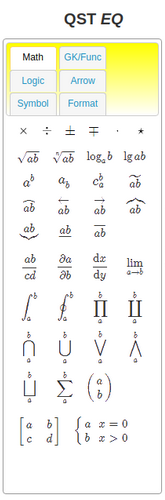
- STEM Subjects support — unlimited free creation of WYSIWYG math/chemistry equations (MathJax / TeX / LaTex / MathML / mhchem), with a professional visual editor (no latex knowledge required). Auto Marking of Math and Chemistry equations/formulas if instructors choose EQ as their answer type. There can only be 1 correct answer.
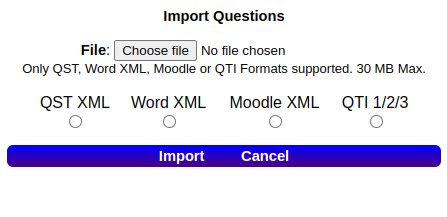
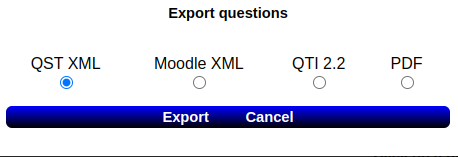
- Question Portability & Interoperability — Import and export in standard formats (QST XML, Word XML, Moodle XML, IMS QTI 1/2/3, PDF) enabling reuse, backup, or migration of question banks across platforms — so you are never locked in.
- Secure, Privacy-Focused & Self-Hosted — Because you run QST on your own network or server, all student data and assessment content stays under your control. The design emphasizes secure access, no dependencies or API's, and safe handling of user sessions.
- Ease of Use & Administration — Intuitive web interface for students/instructors/admins; ability to bulk upload users, classes, user photos; straightforward installation (laptop/desktop/server/cloud) with minimal configuration; multilingual UI support; RTL support; and broad browser compatibility.
- UI — Industrial Control Panel.
- Standards Compliance — designed to support GDPR, FERPA, PIPEDA, Cyber Resiliance Act and EU Data Act compliant. Self-hosted and not a SaaS, no need for SOC compliance.
- Version Updated — Version 3.12.11 June 21, 2026.
🧑🏫 Best For
QST is ideal for educational institutions, training organizations, certification bodies, or private companies that want:
- A self-hosted, open-source solution to avoid vendor lock-in.
- A platform that scales from hundreds to thousands of users — while still running on modest hardware and highly responsive.
- A full-featured assessment system (quizzes, exams, surveys, assignments) — but not a full LMS, if you prefer minimal overhead.
- Robust grading, reporting, analytics and full control over question data and results.
- Flexibility to import existing question banks, or export to share or migrate later.
Use QST if you want a dependable, flexible, scalable assessment platform that stays under your control — now and in the future.
| |
|

 and
and  and QST are Registered Trademarks of QST Online Ltd.